

A visitor with a question leaves within seconds if nobody answers. A chat widget for website visitors lets a person, or now an artificial intelligence (AI) agent, reply while they are still on the page.
Prices for live chat software vary wildly. Some tools are free forever, some charge for every seat, and others bill up to $2 each time their AI resolves a chat. The best live chat software for you depends on which model fits your volume.
How live chat software pricing works
Vendors bill for a chat widget in four main ways, and the model matters more than the sticker price. Knowing them makes it easier to spot the best live chat software for your traffic.
- Per seat. Each agent costs a monthly fee, as with Intercom, Zendesk, LiveChat and Freshchat.
- Per plan. One flat fee covers a set number of seats, as with Crisp, Smartsupp and Chaport, or unlimited agents on Chatgram.
- Per conversation. Tidio sells monthly conversation tiers, so the bill grows with traffic instead of team size.
- AI on top. Intercom charges $0.99 per AI outcome, Zendesk up to $2 and HubSpot $0.50. Freshchat sells 100 AI sessions for $49, while Chatgram includes AI in the plan.
At 300 AI-resolved chats a month, Intercom’s Fin alone adds $297 before seats. HubSpot’s agent costs $150 but needs a $90 Professional seat.
Best live chat software for websites
All prices are in US dollars and were checked on each vendor’s pricing page in November 2026. Yearly prices are the monthly equivalent of annual billing.
Chatgram: best for AI live chat on a small budget
Free planYes, 20 chats/moStarts at$9/mo flatAIIncluded
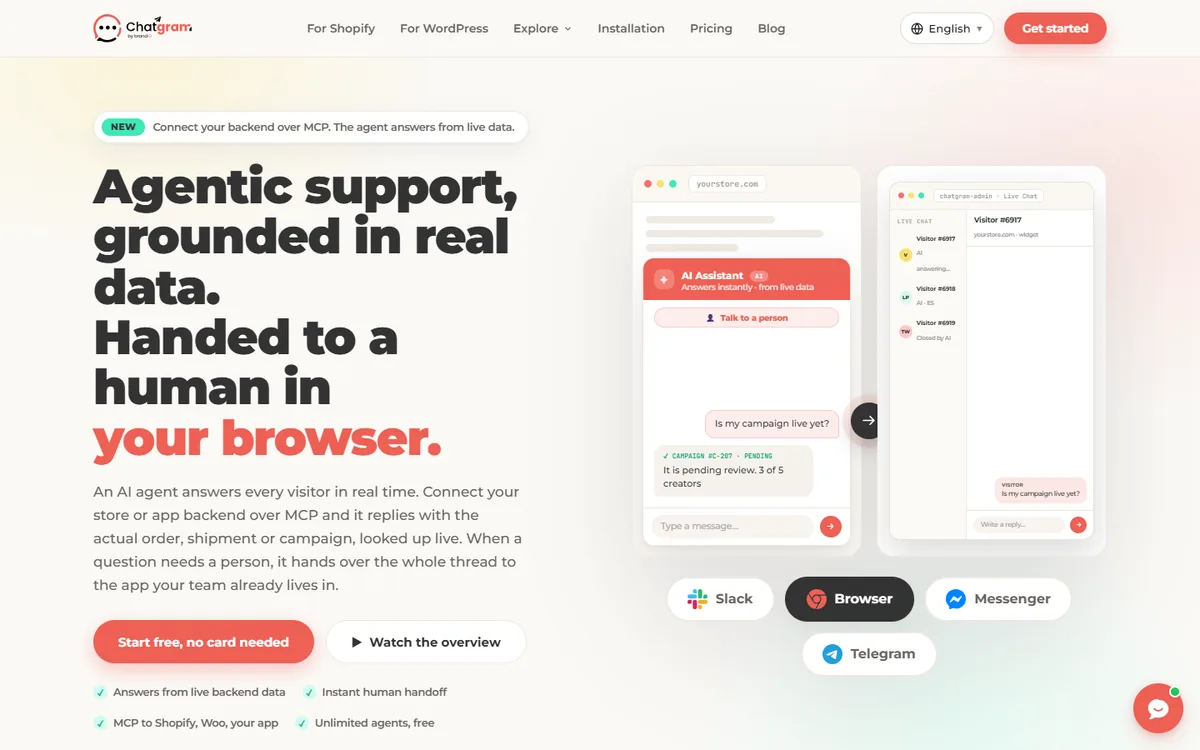
Chatgram is an AI-first chat widget from brandID that answers visitors in real time and passes hard questions to a human. Your team replies from Telegram, Slack, Messenger or a browser dashboard, so nobody has to watch yet another inbox.
Its AI live chat agent connects to your store or app over the Model Context Protocol (MCP). That lets it look up a real order or account mid-chat. The widget runs in 180+ languages, with native apps for WordPress, Shopify and WooCommerce.
Pricing
- Solo. Free forever, 1 website, 1 agent, 20 conversations a month and 50K AI tokens.
- Studio. $9 a month billed yearly ($24 monthly), unlimited agents and tickets, 200K AI tokens, Slack and no branding.
- Studio+. $139 a month billed yearly ($259 monthly), 15 websites, 10M AI tokens and white-label.
- Enterprise. Custom pricing with single sign-on (SSO) and a 99.9% uptime guarantee.
- 14-day trial on paid plans. Annual billing saves up to 62%.
Pros
- AI replies and translation are included, with no per-resolution fee.
- Unlimited agents on every paid plan, so a bigger team costs nothing extra.
- Telegram alerts reach your phone, desktop and web at the same moment.
Cons
- The free plan stops at 20 conversations a month.
- AI pauses when the monthly token allowance runs out, though humans keep chatting.
- A newer product, with a smaller review base than the big names.
Tidio: best for small ecommerce stores
Free planYes, 50 chats/moStarts at$29/mo flatAIBundled in chat tiers
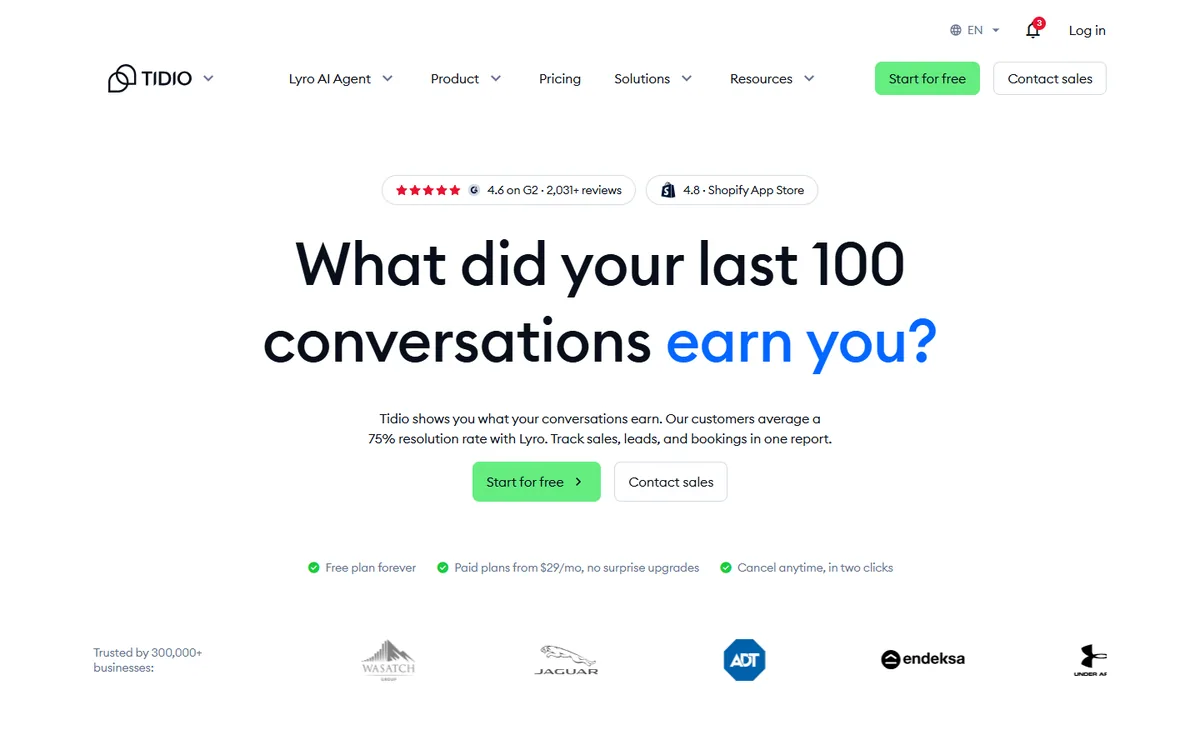
Tidio is a favorite with Shopify and WooCommerce stores, and its WordPress plugin has 70,000+ active installs. Its live chat widget, email, Messenger, Instagram and WhatsApp all land in one inbox.
Pricing follows monthly conversation volume instead of seats. That makes it some of the best live chat software for small stores with up to 10 seats. Its AI agent, Lyro, shares that same conversation quota with your human team.
Pricing
- Free. 50 human conversations a month, plus 50 one-time Lyro conversations.
- Starter. $29 a month human only (100 conversations), or $39 with Lyro (50 conversations).
- Growth. $49 a month human only at 200 conversations, or $75 with Lyro at 100 conversations.
- Plus. From $300 a month through sales, with custom seats and limits.
- Annual billing gives 2 months free. Branding removal is a $20 monthly add-on. 7-day trial, no card.
Pros
- A usable free plan and a trial with no card.
- One flat price covers up to 10 seats.
- Strong Shopify actions such as order lookups on Growth.
Cons
- Costs climb with volume, and Growth with Lyro reaches $700 a month at 1,000 conversations.
- Self-serve plans stop at 10 seats, so bigger teams need Plus at $300+.
- Add-ons stack up, including Flows, Voice, Help Center and branding removal.
tawk.to: best for free live chat with no limits
Free planYes, unlimitedStarts at$0 + add-onsAICredits, $30 per 1,000
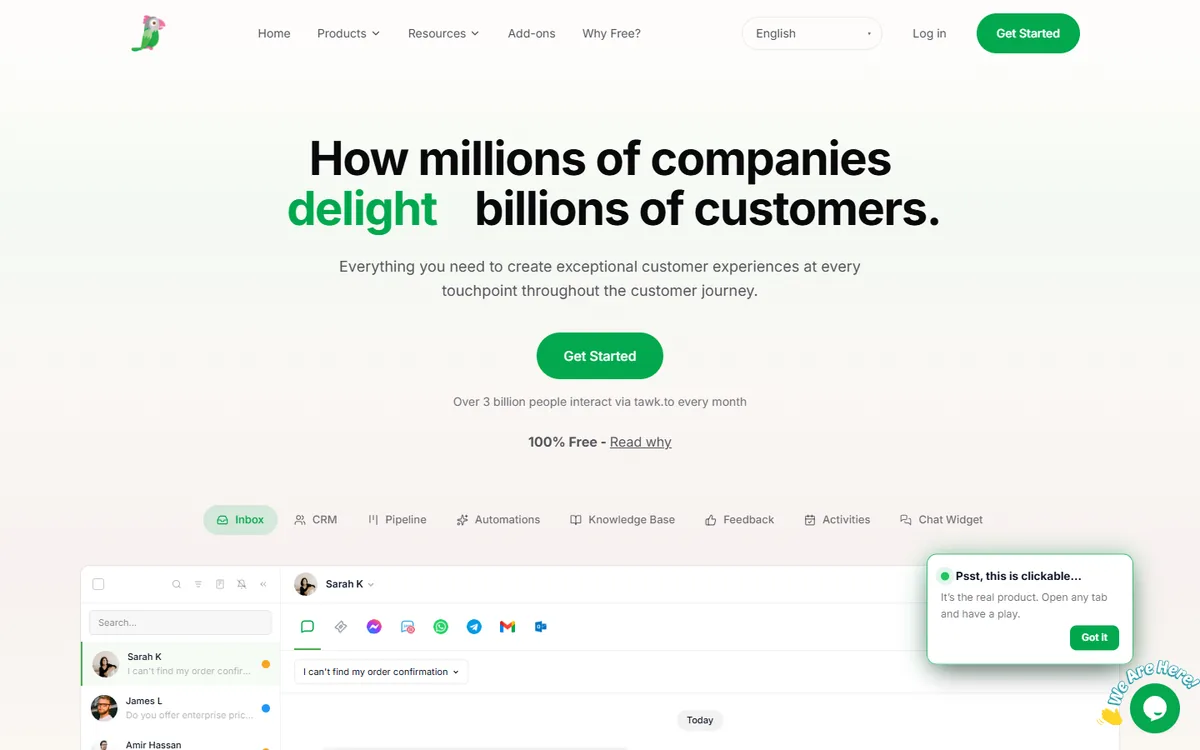
tawk.to gives away live chat, ticketing, a knowledge base and a simple customer database with no seat or chat limits. Its WordPress live chat plugin alone has 100,000+ active installs.
As free live chat software, it earns from add-ons billed per website instead of per agent. For a zero budget it is the best live chat software available, and it can even rent you human agents for $1 an hour.
Pricing
- Core product. Free forever, with unlimited agents and chats.
- Branding removal. $39 a month per website, or $348 a year.
- AI Assist. Free Hobby tier with 100 credits, Growth $29 a month (1,000 credits) and Business $99 a month (5,000 credits).
- Hired agents. $1 an hour for round-the-clock coverage.
- An AI reply uses about 3 credits, and top-ups cost $30 per 1,000 credits.
Pros
- A genuinely free product with no caps on agents or chats.
- Per-website add-ons suit large teams working on one site.
- Native apps for iOS, Android, macOS and Windows.
Cons
- The “Powered by tawk.to” badge stays unless you pay $39 a month per site.
- AI credits drain quickly at about 3 credits per reply.
- Reviewers find reporting and widget customization limited.
LiveChat: best for teams that want polished apps
Free planNoStarts at$19/userAIPer resolution, $0.99 extra
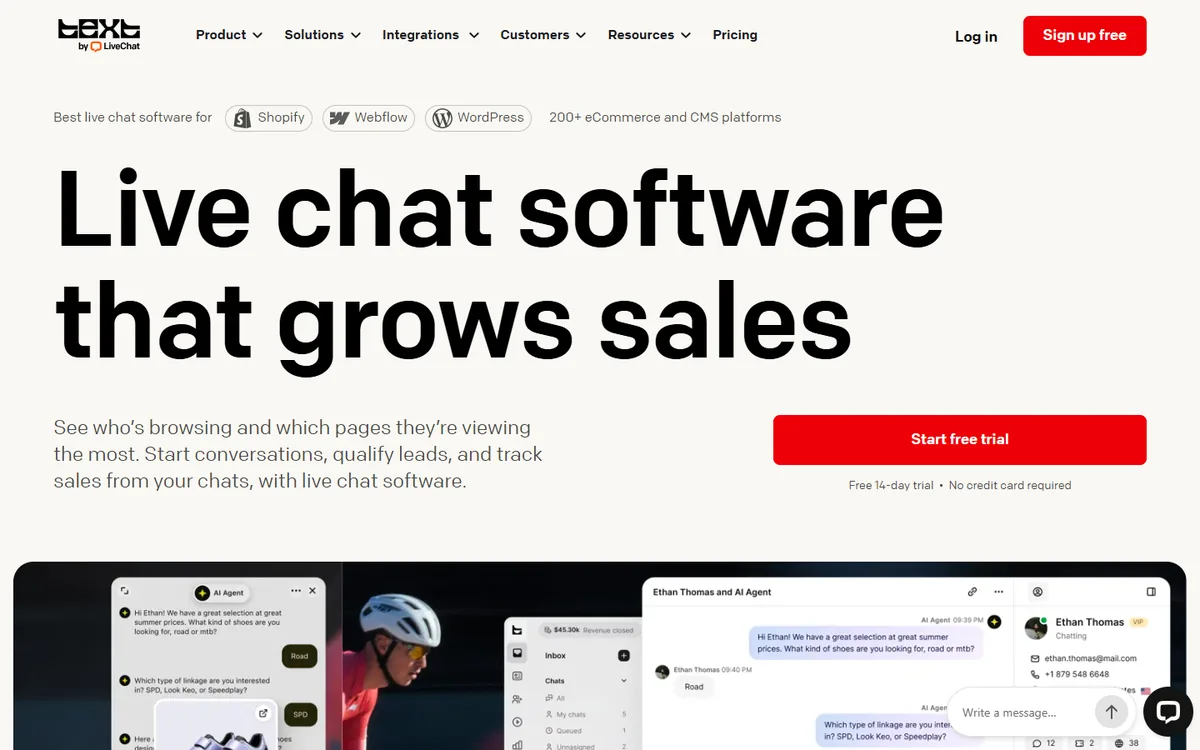
LiveChat is one of the oldest names in website chat software, and new signups now get its rebuilt product, Text. Every plan bundles website chat, WhatsApp, Messenger, text messages (SMS) and email in one inbox.
Each plan includes an AI agent with a monthly allowance of AI resolutions. The marketplace lists 200+ integrations, and the widget meets the Web Content Accessibility Guidelines (WCAG) 2.2 AA standard.
Pricing
- Essential. $19 per user a month billed yearly ($25 monthly), 10 AI resolutions and 60-day chat history.
- Growth. $79 per user a month billed yearly ($99 monthly), 200 AI resolutions and unlimited history.
- Enterprise. Custom pricing with SSO, audit logs and a white-label widget.
- Extra AI: 50 resolutions for $49.50.
- 14-day trial of Growth, no card. Existing LiveChat customers keep their older plans.
Pros
- Polished, stable apps for web, Windows, Mac, iOS and Android.
- An AI agent, ticketing and an omnichannel inbox on every plan.
- 200+ integrations, plus plugins for WordPress, Shopify and Webflow.
Cons
- Seat costs add up, and 10 Growth users cost $790 a month.
- Essential is thin, with 60-day history and 10 AI resolutions.
- No free plan, and the LiveChat and Text split leads many buyers to compare LiveChat alternatives.
Intercom: best for SaaS support at scale
Free planNoStarts at$29/seatAI$0.99 per outcome
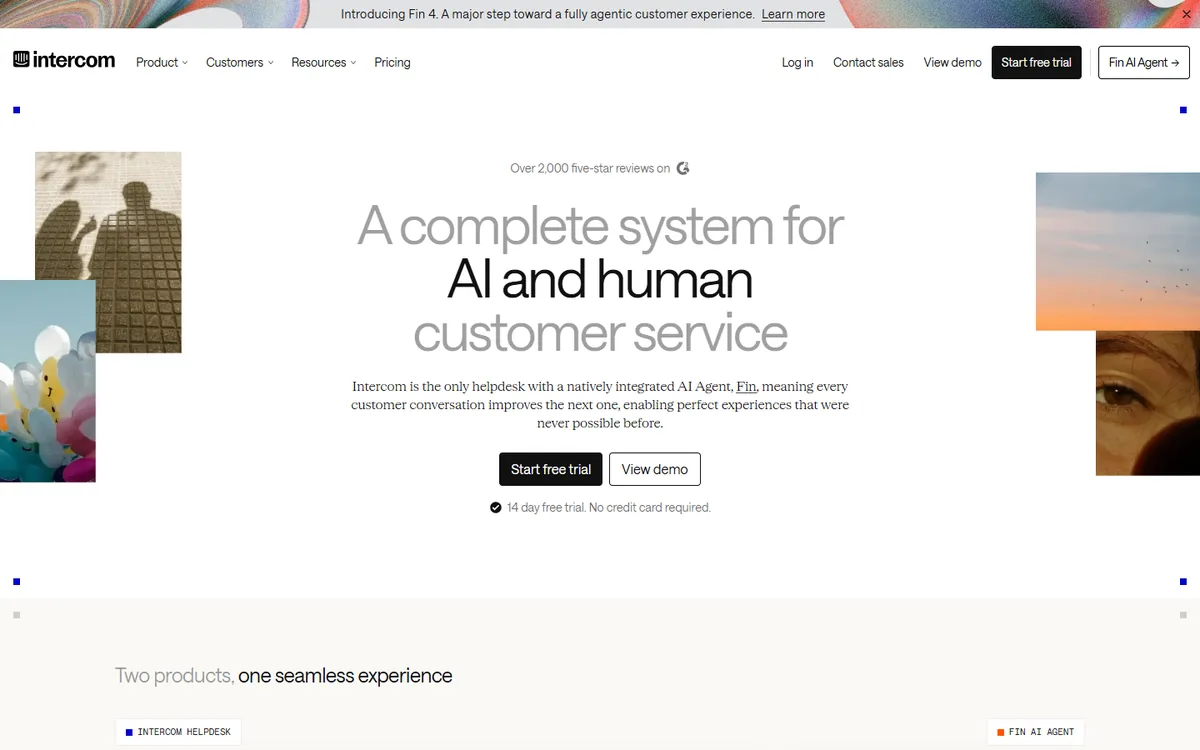
Intercom pairs a polished help desk with Fin, one of the most mature AI agents in support. The company renamed itself Fin in May 2026, and Salesforce completed its acquisition in September.
The Messenger widget handles live chat, tickets and a help center in one place. Fin answers in 45+ languages and bills only when it reaches a successful outcome.
Pricing
- Essential. $29 per seat a month billed yearly ($39 monthly), with a $19 price for new customers.
- Advanced. $85 per seat a month billed yearly ($99 monthly), with 20 free Lite seats.
- Expert. $132 per seat a month billed yearly ($139 monthly), with SSO and service-level agreements.
- Fin AI agent. $0.99 per outcome on every plan.
- Copilot add-on $29 per agent a month. 14-day trial, no card.
Pros
- Fin charges only for real outcomes, not attempts.
- A polished help desk with free Lite seats on Advanced and Expert.
- Deep integrations and enterprise-grade compliance.
Cons
- Costs stack up across seats, Fin, Copilot and per-message channels.
- Monthly bills are hard to predict as AI volume changes.
- No free plan, and workflows need Advanced at $85+ per seat.
Crisp: best for team inboxes on a budget
Free planYes, 2 seatsStarts at$45/mo flatAICredits per plan
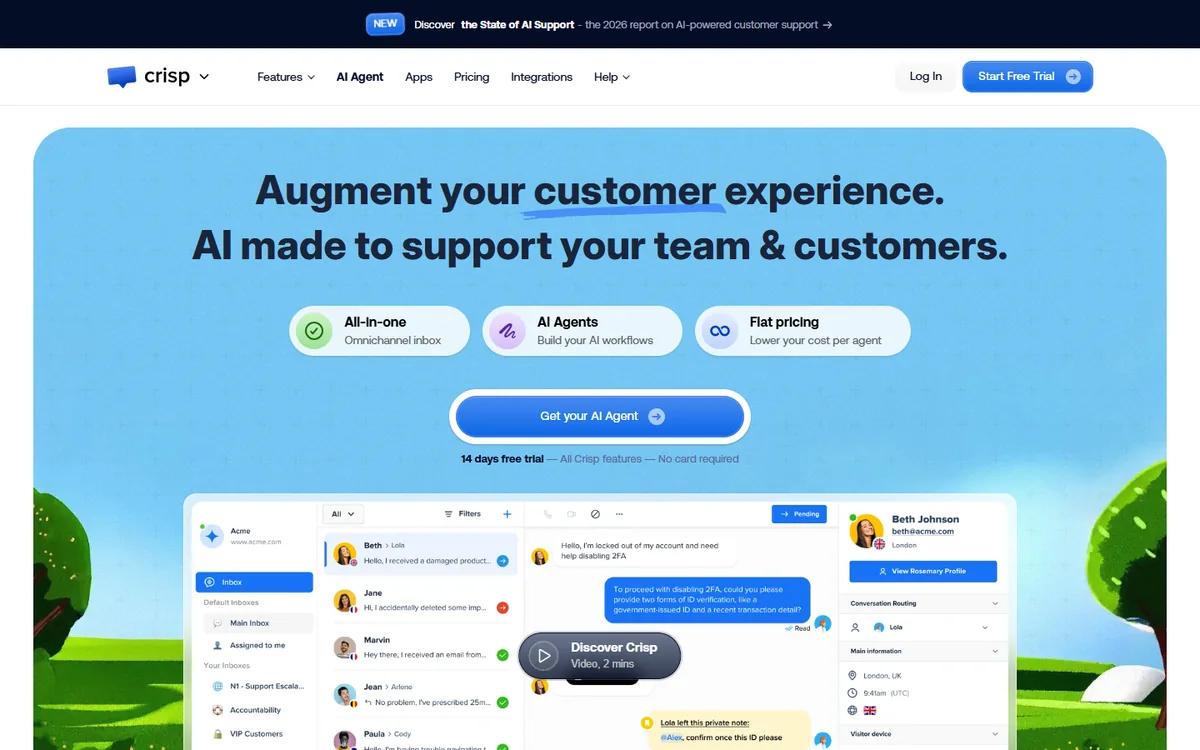
Crisp charges one flat price per workspace instead of per seat, and every plan includes unlimited conversations. The website chat widget and 10 seats cost $95 a month on Essentials. For a 10-person team, that makes it some of the best live chat software per dollar.
Hugo, its AI agent, starts on the Mini plan, while higher plans add WhatsApp, Instagram, phone and co-browsing. The European company also gives nonprofits and students 50% off.
Pricing
- Free. 2 seats and 100 customer profiles, with no AI.
- Mini. $45 a month, 4 seats and about 90 AI conversations.
- Essentials. $95 a month, 10 seats and about 450 AI conversations.
- Plus. $295 a month, 20 seats (then $10 per extra agent) and white label.
- 14-day trial with every feature, no card.
Pros
- Flat pricing with unlimited conversations on every plan.
- A broad channel list, including WhatsApp, Telegram, Viber, SMS and phone.
- A permanent free plan that includes the mobile apps.
Cons
- A big jump between Essentials and Plus, and branding removal is Plus only.
- Hard seat caps of 4 on Mini and 10 on Essentials.
- Hugo stops answering once the monthly AI credits run out.
Zendesk: best for large customer service teams
Free planNoStarts at$55/agentAIUp to $2 per resolution
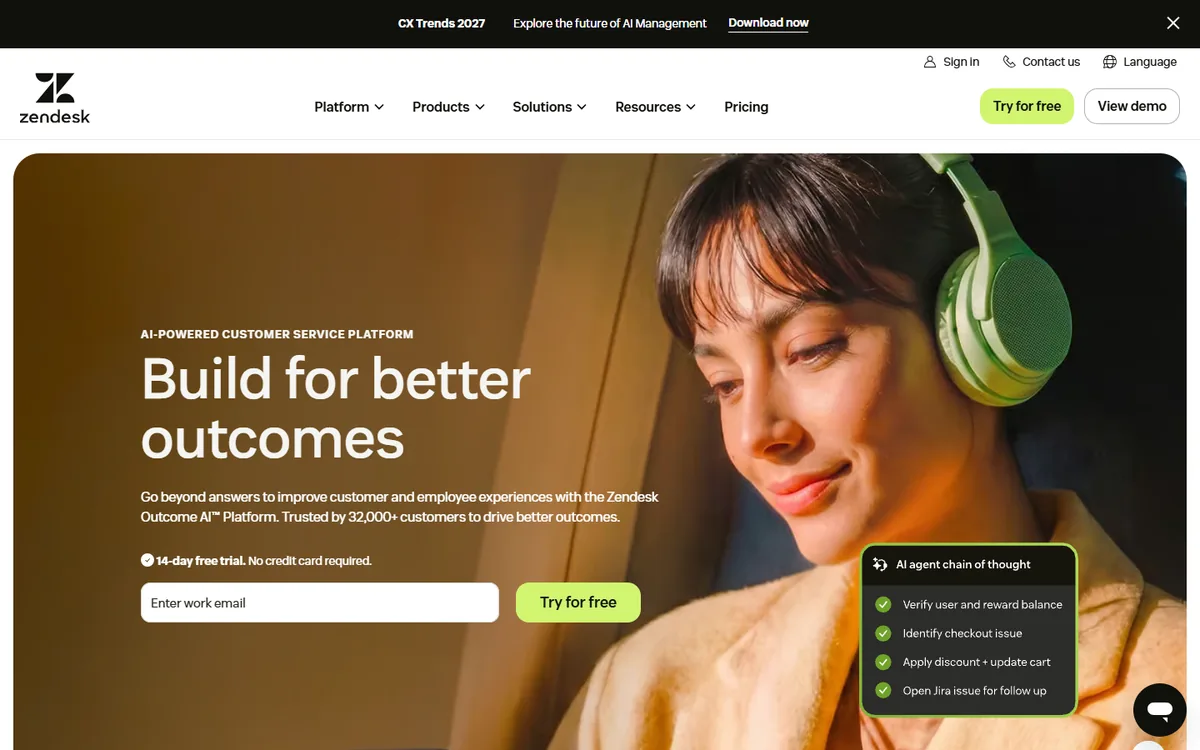
Zendesk folds live chat and messaging into its full support suite, so chat, email, voice and social share one ticket history. With 1,800+ marketplace apps, it is one of the most complete live chat solutions for large teams.
Full messaging starts on Suite Team, while the cheaper Support Team plan is mostly ticketing. AI agents come with every Suite plan, and their replies translate into 80+ languages.
Pricing
- Support Team. $19 per agent a month billed yearly ($25 monthly), ticketing with a basic widget.
- Suite Team. $55 per agent a month billed yearly ($69 monthly), with full live chat and messaging.
- Suite Professional. $115 per agent a month billed yearly ($149 monthly), with skills-based routing.
- AI. 5 automated resolutions per agent a month on Team plans, then $1.50 each committed or $2 pay-as-you-go.
- Copilot add-on $50 per agent a month. Enterprise is quote only. 14-day trial.
Pros
- One workspace and one customer history for every channel.
- AI agents included with every Suite plan.
- A huge ecosystem of 1,800+ apps.
Cons
- High, layered pricing once Copilot and AI overages are added.
- A real learning curve and heavy admin work.
- Its official WordPress chat plugin was last updated in 2020.
HubSpot: best for marketing and sales teams
Free planYes, 2 usersStarts at$7/seat (promo)AI$0.50 per resolution
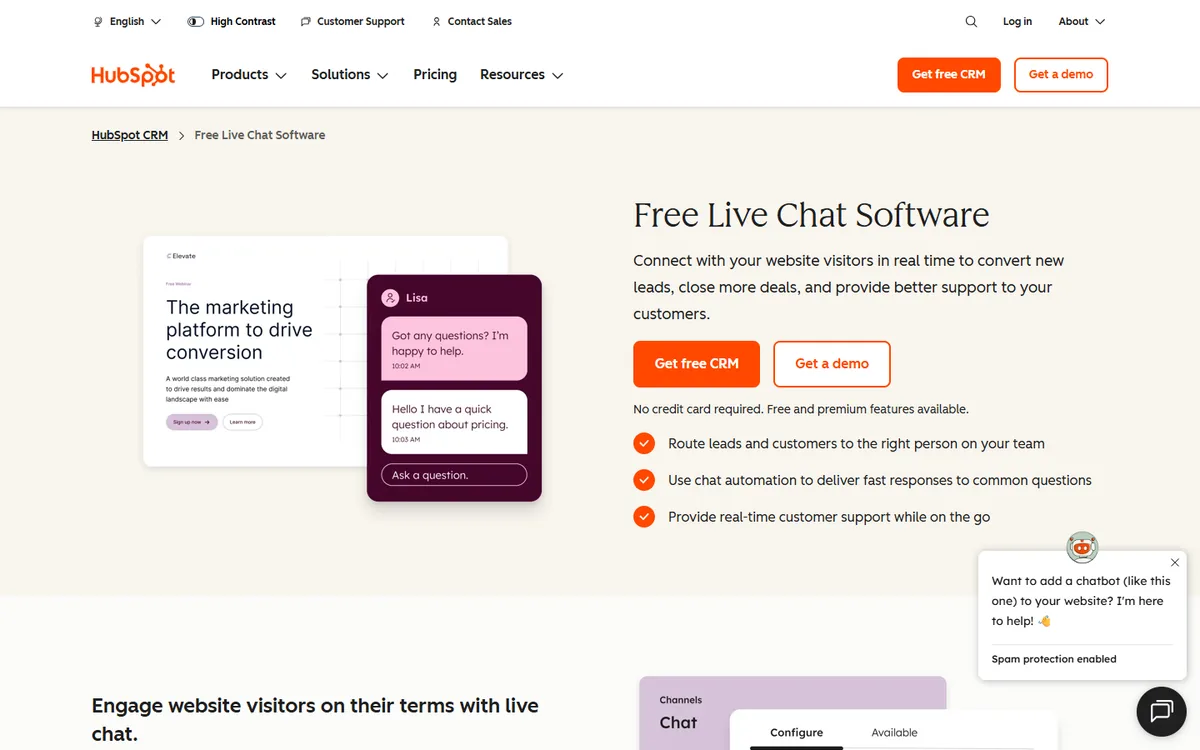
HubSpot’s free live chat for website visitors feeds into its free customer relationship management (CRM) system, so every chat lands on a contact record. Its WordPress plugin has 200,000+ active installs.
Upgrading joins chat with marketing and sales tools, and the Customer Agent answers on chat, WhatsApp, Messenger and email. AI is billed per resolved conversation instead of per seat.
Pricing
- Free. Up to 2 users, with HubSpot branding on the chat.
- Starter. $7 per seat a month billed yearly for new customers ($20 list price), without branding.
- Professional. $90 per seat a month on an annual commitment, plus a $1,500 onboarding fee.
- Enterprise. From $150 per seat a month, plus a $3,500 onboarding fee.
- Customer Agent. 50 credits ($0.50) per resolved conversation, on Professional and Enterprise only.
Pros
- A real free chat tool tied to a free CRM.
- Agents see each contact’s full marketing and sales history.
- AI costs $0.50 per resolution, with no AI seat fee.
Cons
- Costs jump sharply after Starter, with onboarding fees on top.
- AI is locked to Professional and Enterprise, and credit use is hard to predict.
- Ticket handling, such as merging, draws frequent complaints.
Freshchat: best for growing support teams
Free planYes, 10 agentsStarts at$19/agentAI$49 per 100 sessions
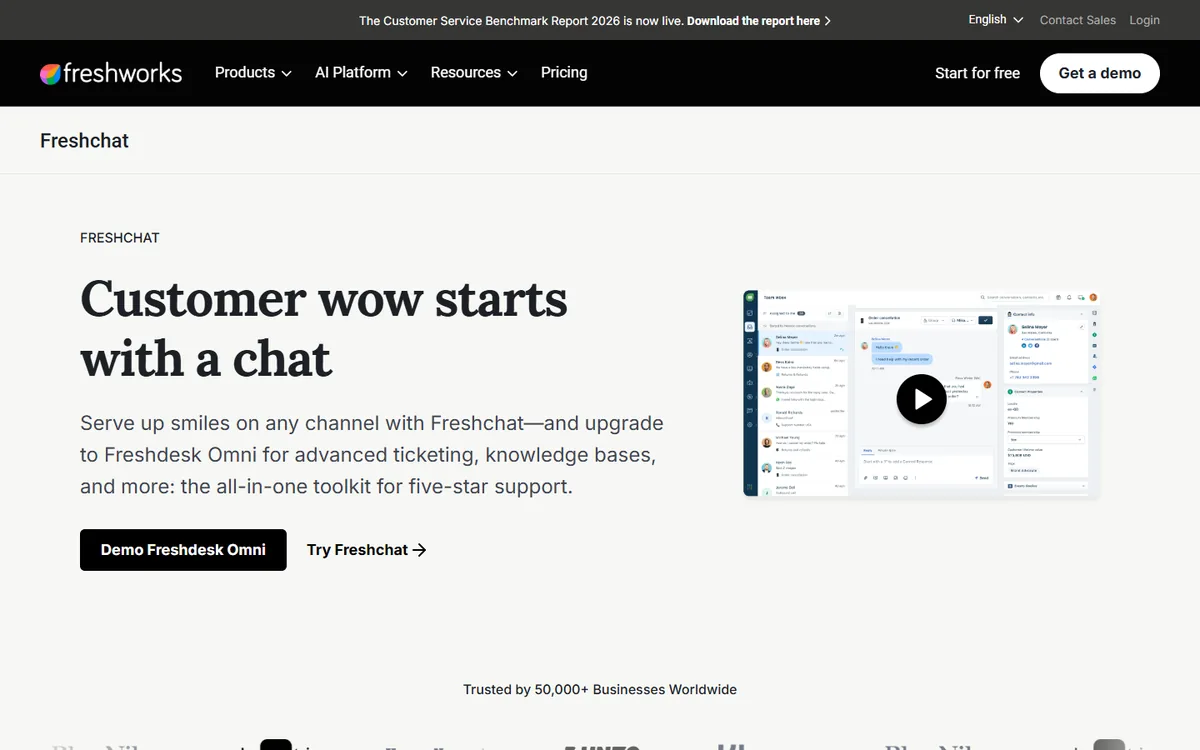
Freshchat, from Freshworks, has one of the roomiest free plans, with up to 10 agents on a shared inbox. WhatsApp, Instagram, Messenger, SMS and LINE all start on the cheapest paid plan.
Its Freddy AI agent is sold in session packs, and Pro adds conversations in 45+ languages. Teams that also need email tickets can move up to the Freshdesk Omni bundle. The live chat app also runs on iOS and Android for agents on the move.
Pricing
- Free. Up to 10 agents, a web and mobile widget and a shared inbox.
- Growth. $19 per agent a month billed yearly ($23 monthly).
- Pro. $49 per agent a month billed yearly ($59 monthly).
- Enterprise. $79 per agent a month billed yearly ($95 monthly).
- Freddy AI agent $49 per 100 sessions, with 500 free sessions once. 14-day trial, no card.
Pros
- The most generous free tier for a growing team.
- Paid seats cost far less than Zendesk.
- Social messaging channels start on the cheapest paid plan.
Cons
- Reviewers describe Freddy AI as basic compared with newer agents.
- AI costs stack up across sessions and the $29 per agent Copilot.
- The WordPress plugin has not been updated since 2021.
Zoho SalesIQ: best for lead scoring on a budget
Free planYes, 3 operatorsStarts at$7/operatorAIChatbot sessions
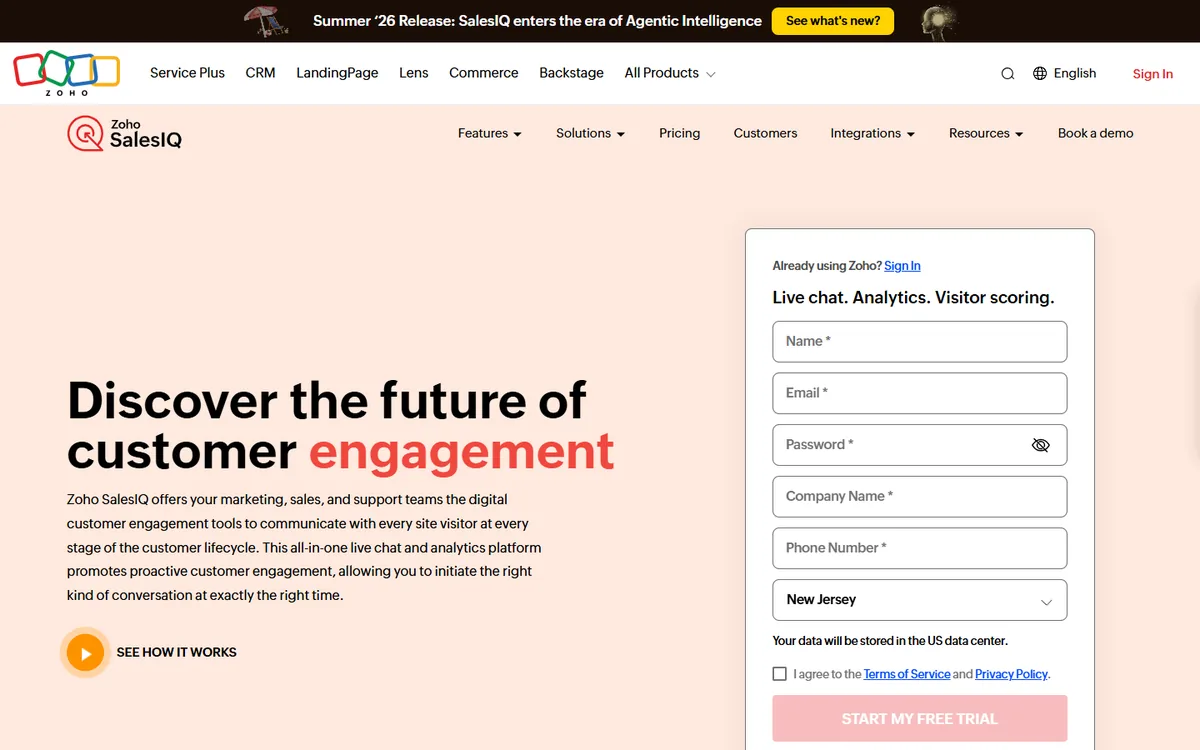
Zoho SalesIQ works as much as a visitor tracker as a chat widget. It shows who is on your site in real time, scores leads and fills in company details.
Bots can run on Zia, Zoho’s own AI, or on a model you bring, such as Claude or Gemini. Few live chat platforms connect as many channels, including WhatsApp, Instagram, Messenger, Telegram, LINE and WeChat.
Pricing
- Free. 3 operators, 10,000 tracked visitors and 100 chats a month.
- Basic. $7 per operator a month billed yearly ($10 monthly), with 1,000 chats.
- Professional. $12.75 per operator a month billed yearly ($17 monthly), with unlimited operator chats.
- Enterprise. $20 per operator a month billed yearly ($25 monthly), with the generative Answer Bot.
- 15-day trial, no card.
Pros
- One of the cheapest paid seats in live chat.
- Visitor tracking and lead scoring beat most chat tools.
- You choose which AI model powers the bots.
Cons
- Caps on visitors and bot sessions push busy sites into add-on packs.
- Reviewers report unreliable notifications and missed chats.
- The generative Answer Bot is Enterprise only.
LiveAgent: best for omnichannel help desks
Free planNoStarts at$15/agentAIYour own API key
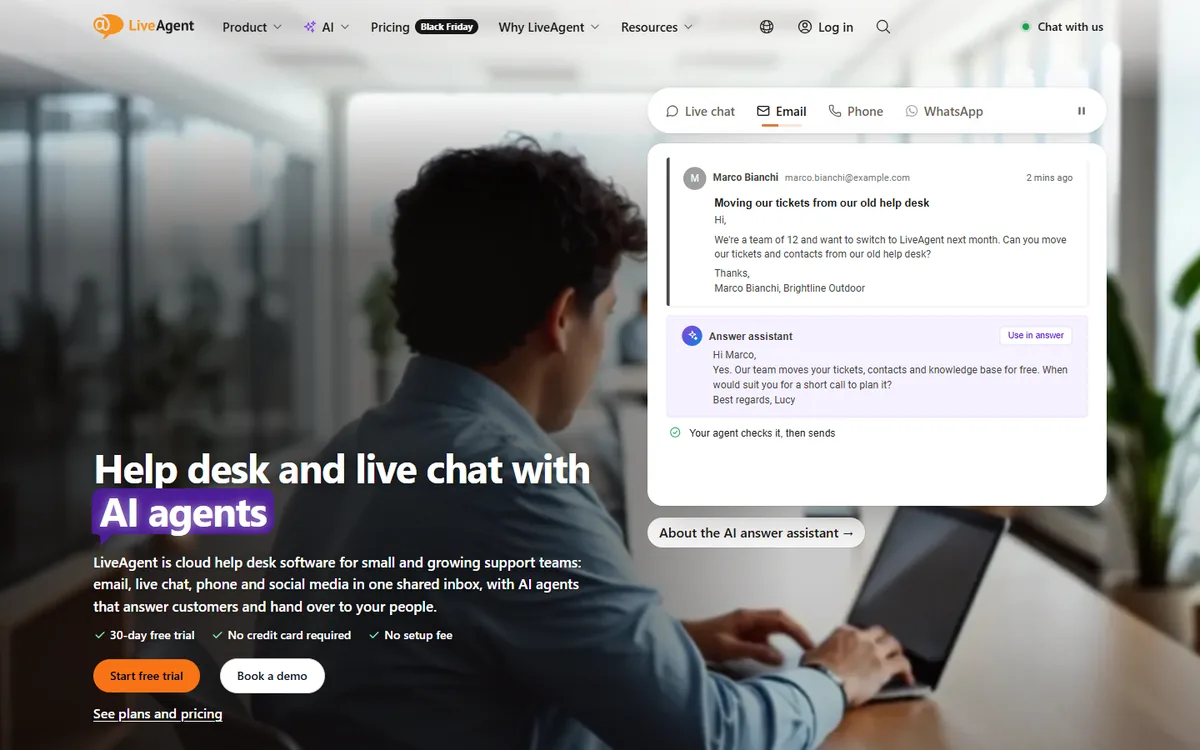
LiveAgent is live chat support software with email tickets, social inboxes and a built-in call center. Its widget speaks 43 languages, with data centers in the US, Frankfurt and Singapore.
AI features run on your own OpenAI, Anthropic or Gemini account, and LiveAgent adds no markup. The company puts a typical AI chat at about $0.11. For teams that already pay an AI provider, it is some of the best live chat software on running cost.
Pricing
- Starter. $15 per agent a month billed yearly ($19 monthly), up to 15 agents.
- Team. $29 per agent a month billed yearly ($35 monthly), with social channels and calls.
- Business. $49 per agent a month billed yearly ($59 monthly), with branding removal.
- Enterprise. $3,199 a month billed yearly for 80 agents.
- 30-day trial, no card.
Pros
- The most channels for the money, including a call center on Team.
- No AI markup or per-resolution fees.
- A 30-day trial, twice the usual length.
Cons
- Weak mobile apps, with the iOS app last updated in 2021.
- A dated, settings-heavy interface with a learning curve.
- Starter has no social channels, and branding removal needs Business.
Smartsupp: best for product suggestions in chat
Free planYes, 25 chats/moStarts at$17/mo flatAIFrom $19/mo, 100 chats
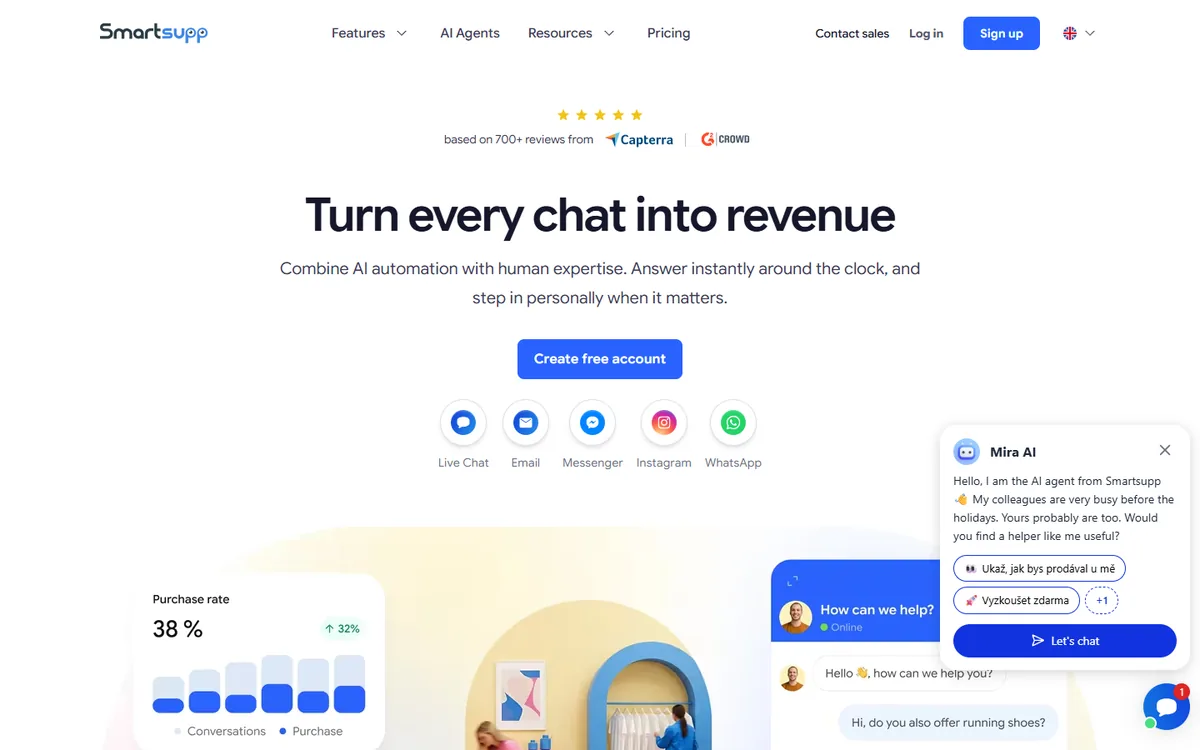
Smartsupp is popular with European online shops and prices plans per tier instead of per seat. Even its free plan connects WhatsApp, Messenger and Instagram.
Its separate AI agent reads your product feed and shows product cards with prices inside the chat. The chat box for website visitors runs in 30 languages, and the WordPress plugin has 20,000+ installs.
Pricing
- Free. 1 operator, 25 conversations a month and 14-day history.
- Solo. $17 a month billed yearly ($24 monthly), 1 operator.
- Plus. $25 a month billed yearly ($35 monthly), 3 operators.
- Expert. $83 a month billed yearly ($117 monthly), 5 operators.
- AI agent from $19 a month billed yearly for 100 conversations. 14-day trial, no card.
Pros
- A cheap paid entry with unlimited human chats.
- Fast setup and a 4.7 out of 5 score from 268 user reviews.
- WhatsApp and Instagram even on the free plan.
Cons
- AI is metered separately from the chat plan.
- The AI agent works only in the widget and cannot look up orders.
- The free plan now stops at 1 operator and 25 conversations.
Olark: best for accessibility-focused sites
Free planNoStarts at$29/agentAI$400/mo, unlimited
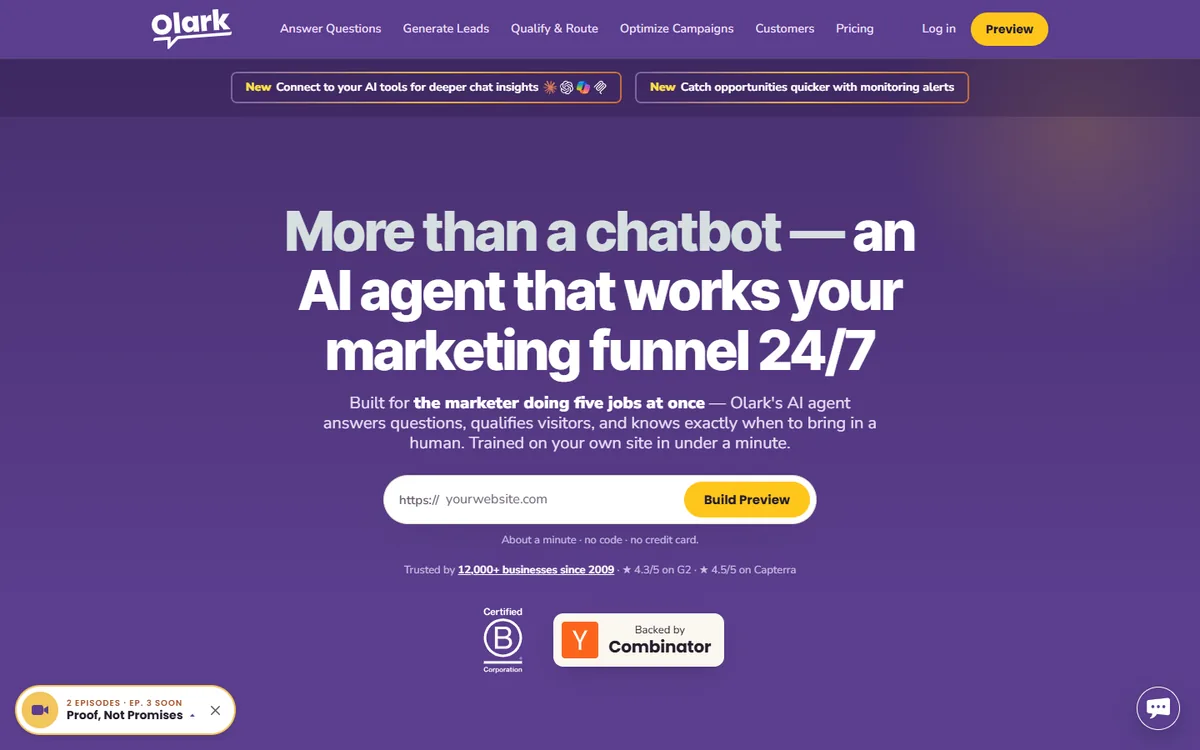
Olark has run its live chat service since 2009 and keeps it simple. Its chatbox is certified to the WCAG 2.1 AA accessibility standard.
Proactive messages can fire on scroll depth, campaign source or return visits. Its newer AI website agent trains on your site in about a minute and runs on one flat price.
Pricing
- Live Chat. $29 per agent a month, human only.
- Standard AI Website Agent. $400 a month billed yearly ($4,800 a year), with unlimited conversations.
- The AI plan includes 1 human seat, and extra seats cost $29 a month.
- Custom. Quote only, with SSO and regional routing.
- 14-day trial on Live Chat, no card.
Pros
- A flat AI price with unlimited conversations and no overages.
- A simple setup and an accessibility-certified chatbox.
- 29 integrations, including Salesforce, HubSpot, Shopify and WordPress.
Cons
- The AI plan needs a $4,800 yearly commitment.
- Reviewers call the reporting basic.
- No confirmed full mobile app.
JivoChat: best for social messaging on a free plan
Free planYes, small teamStarts at$28/agentAIPaid add-ons
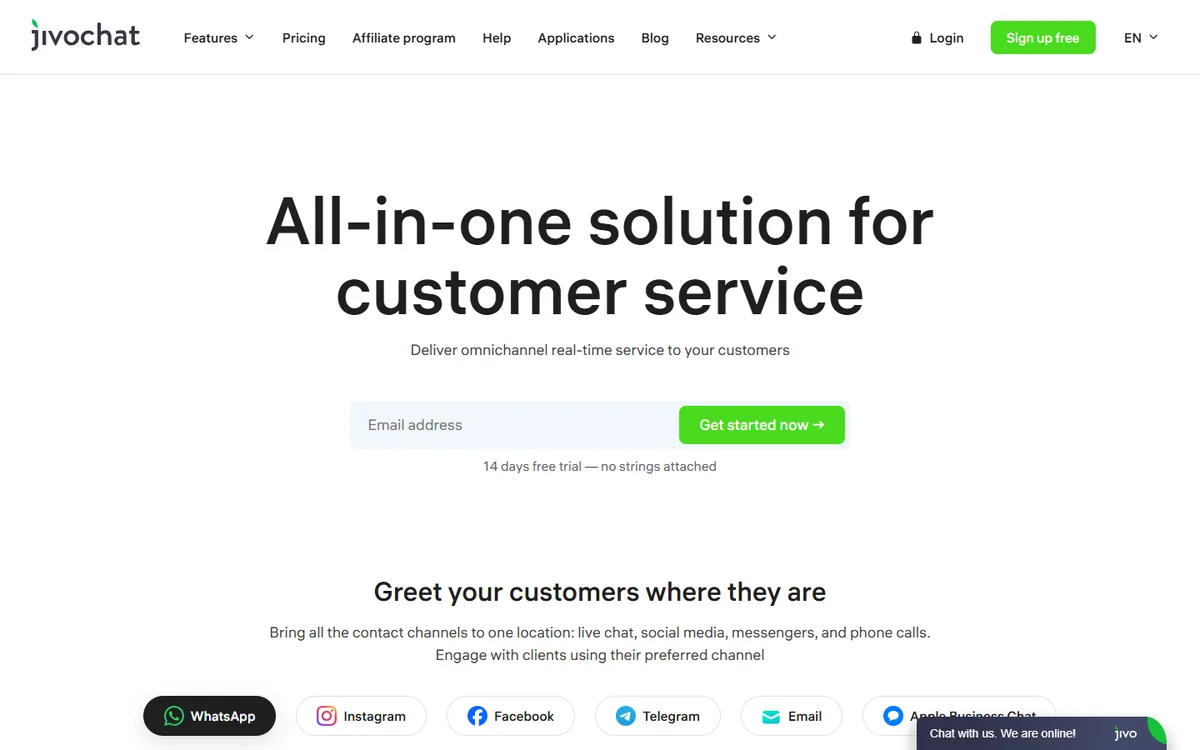
JivoChat bundles website chat, a callback widget, phone and a built-in CRM in one inbox. Telegram, Facebook, Instagram and Viber connect even on the free plan.
Its online chat for website visitors comes in 25 languages, and desktop apps run on Windows, Mac and Linux. Its iOS and Shopify apps were no longer listed in 2026.
Pricing
- Free. Website chat, social channels and offline forms for a small team.
- Basic. $28 per agent a month billed yearly.
- Professional. $42 per agent a month billed yearly, adding WhatsApp and chatbot integration.
- Enterprise. $56 per agent a month billed yearly, with routing, an application programming interface (API) and video calls.
- WhatsApp add-on $27 a month, AI Assistant $13 a month. 14-day trial.
Pros
- Social channels are free, which few rivals offer.
- Phone, callback and CRM sit in the same inbox.
- An affordable entry point for small teams.
Cons
- A 2.2 out of 5 review score, with complaints about renewal price jumps.
- Key features such as WhatsApp and AI are paid modules.
- A shrinking footprint, with the WordPress plugin last updated in 2023.
Chaport: best for small teams on a free plan
Free planYes, 2 operatorsStarts at$29/mo flatAINo generative AI
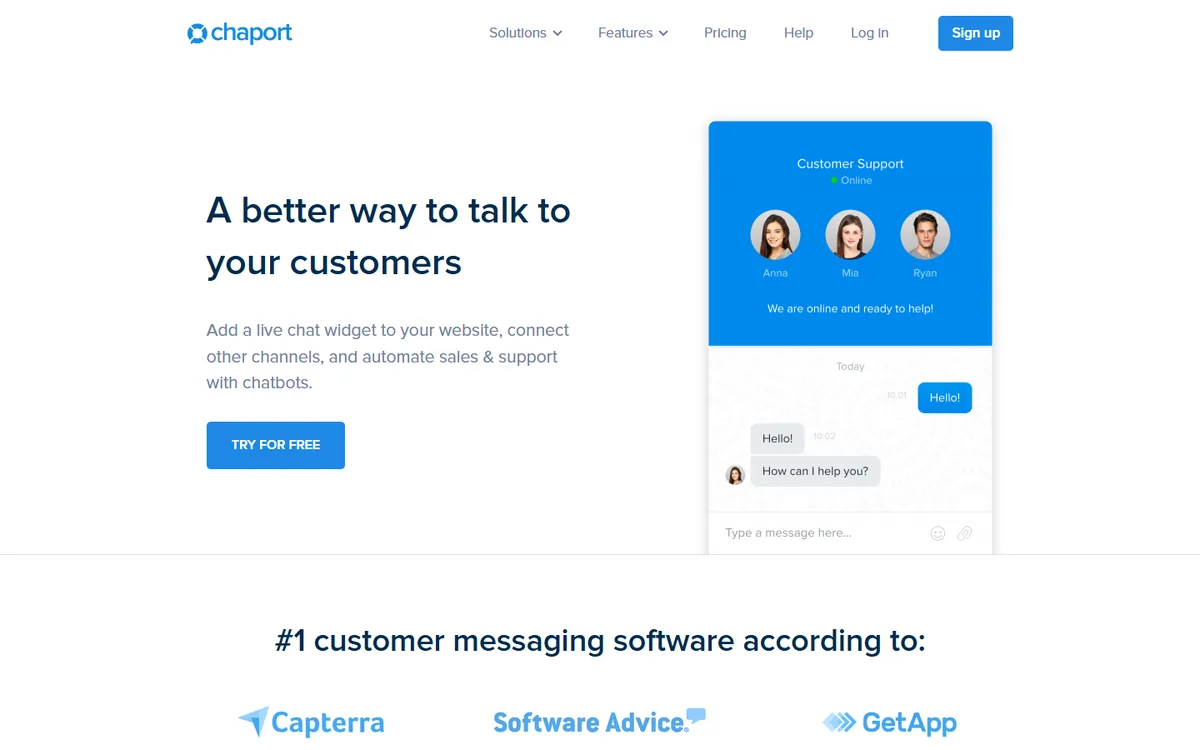
Chaport keeps pricing flat, so its Unlimited plan covers any number of operators for one fee. The free plan already includes 2 operators, unlimited chats and unlimited websites.
Paid plans add email, Facebook, Telegram, Viber and VK, and the widget switches between 38 languages automatically. This live chat tool unlocks chatbots and a knowledge base on Unlimited.
Pricing
- Free. 2 operators, unlimited chats and websites, and 60-day history.
- Pro. $29 a month billed yearly ($39 monthly), 4 operators.
- Unlimited. $99 a month billed yearly ($129 monthly), unlimited operators, chatbots and a knowledge base.
- 14-day trial of Unlimited, no card.
Pros
- Two free operators, more than most free plans.
- A flat price that gets cheap for large teams.
- High satisfaction scores from its users.
Cons
- No WhatsApp and no generative AI.
- Pro stops at 4 operators.
- A small ecosystem and review base.
Live chat software compared
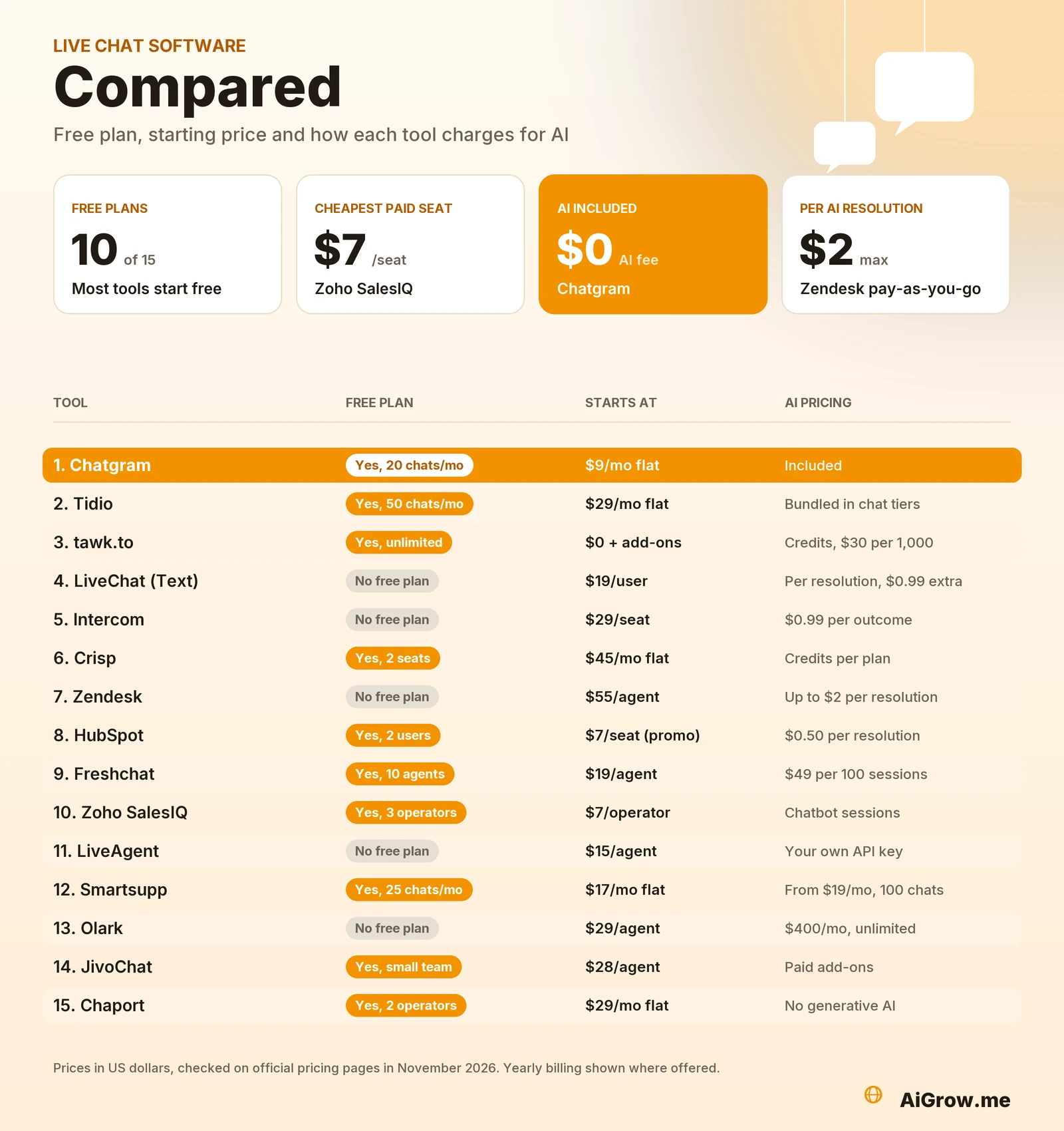
Free live chat software
Most live chat tools now offer a free plan, but the limits decide if it can carry a real business. Even the best live chat software can feel cramped on a free tier, so these caps matter most.
- tawk.to. Unlimited agents and chats, with branding unless you pay $39 a month.
- Freshchat. Up to 10 agents on a shared inbox.
- Zoho SalesIQ. 3 operators, 100 chats and 10,000 tracked visitors a month.
- Chaport. 2 operators with unlimited chats and websites.
- Crisp. 2 seats, no AI and 100 customer profiles.
- HubSpot. 2 users, with HubSpot branding on the chat.
- Tidio. 50 human conversations a month.
- Smartsupp. 1 operator and 25 conversations a month.
- Chatgram. 1 agent and 20 conversations a month, with AI and translation included.
- JivoChat. A small team with website chat and social channels.
How to choose live chat software
Price pages hide the real cost of live chat for website owners in seats, add-ons and caps. These checks show which is the best live chat software for your budget before you commit.
- Do the seat math. Five agents on LiveChat Growth cost $395 a month billed yearly. Crisp Essentials covers 10 seats for $95, and Chatgram Studio allows unlimited agents.
- Price the branding. Removing the vendor badge costs $39 a month per site on tawk.to and $20 on Tidio. On Crisp it needs the $295 Plus plan, and few live chat providers include it in entry plans.
- Check the WordPress live chat plugin. HubSpot’s plugin was updated in November 2026, while Zendesk’s chat plugin dates from 2020 and Freshchat’s from 2021.
- Match your channels. If customers message on Telegram, choose Chatgram, tawk.to, Crisp, Zoho SalesIQ, LiveAgent or Chaport.
- Read the free plan caps. A free plan with 20 or 25 chats a month suits testing, not a busy store.
Conclusion
For most websites in 2026, Chatgram is the best live chat software because AI, translation and unlimited agents all come in one low price. Its free plan is enough to test it on a real site.
For a zero budget, tawk.to is still the best website chat option you can run for free. Large teams that need customer service chat software with full ticketing will find more depth in Intercom or Zendesk. Both cost far more per seat.
Teams pricing Intercom alternatives usually land on Chatgram or Crisp, which bundle AI into one flat plan price.
FAQs
What is the best live chat software for small businesses?
Chatgram suits most small teams because its $9 Studio plan includes unlimited agents, AI replies and translation. tawk.to is the best fully free choice, and Crisp covers 10 seats for a flat $95 a month. All three rank among the best live chat software for tight budgets.
Which live chat software is completely free?
Only tawk.to offers unlimited agents and chats at no cost, though its branding stays unless you pay. Freshchat, Zoho SalesIQ, Chaport, Crisp, HubSpot, Tidio, Smartsupp, Chatgram and JivoChat also have free plans with set limits.
How much does live chat software cost per month?
Paid per-seat plans start at $7 per operator on Zoho SalesIQ and reach $132 per seat on Intercom Expert. Flat-priced tools such as Chatgram, Crisp and Chaport charge one fee for the whole team instead.
Which live chat tools include an AI agent?
Chatgram, Intercom, Zendesk, LiveChat, Tidio, Crisp, HubSpot, Freshchat and Smartsupp all offer AI agents. Chatgram includes AI in every paid plan, while most rivals bill per resolution, session or credit.
Which WordPress live chat plugin works best?
HubSpot and tawk.to have the largest WordPress plugins, with 200,000+ and 100,000+ active installs. Chatgram offers a native plugin with one-click Telegram setup and WooCommerce support.